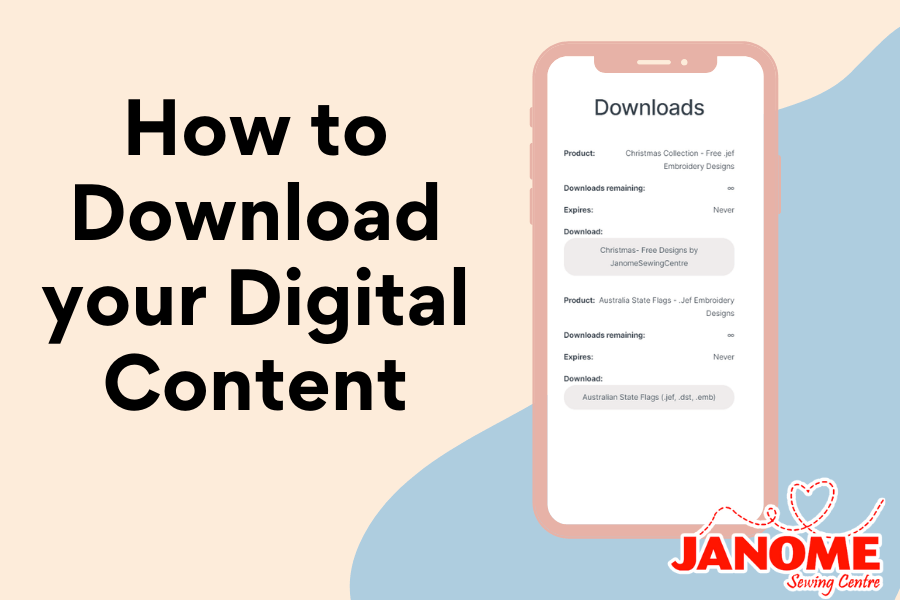
How to Access Your Digital Downloads

Nestled in the central suburbs of Brisbane, Janome Sewing Centre Everton Park was established in 1980, and continues to operate with a focus on helping customers achieve their sewing dreams. The family has been in the sewing business for more than 60 years and love seeing what people create with their machines. Read more about us here.
With our Product range you will find Professional Grade Quality and Modern Functionality at Great Value. Don't forget to take a look at our additional Free Bonus Gift offers.
 |
 |
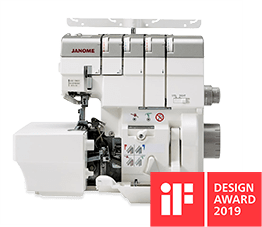
Overlocking is an essential part of professional sewing, and with these domestic machines you can sew long lasting, neat professional finishes to your garments and accessories today.
|
|
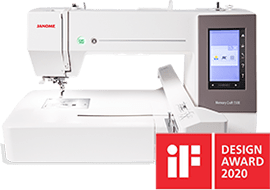
Nothing adds a more personal touch to any work than fine embroidery. From monograms and logos to custom designs and elaborate patterns, embroidery can definitely make your work stand out.
|
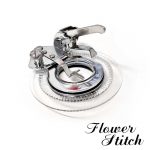
Take your sewing to the next level and get the sewing machine accessories to help you with your next big sewing project.
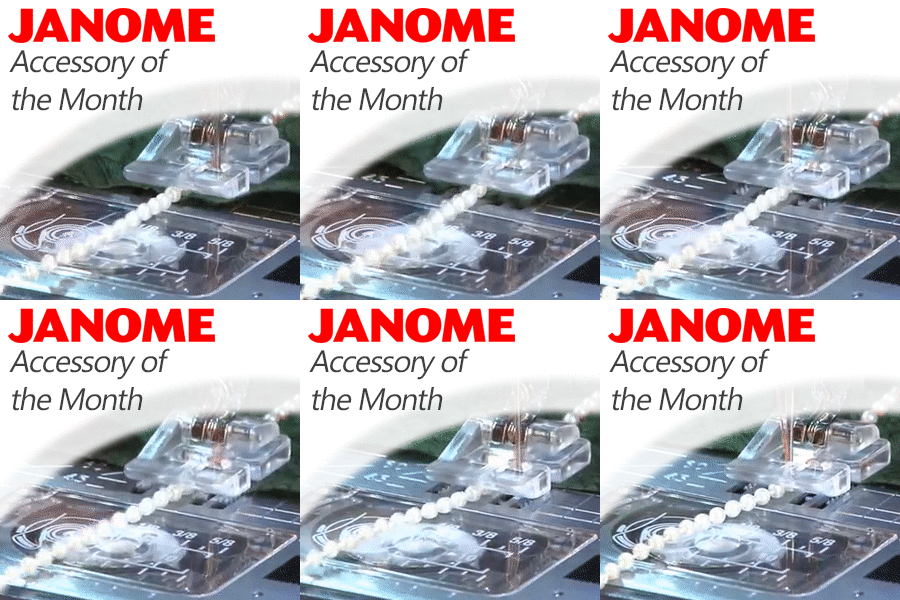
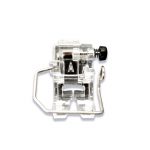
Sewing on strung beads and pearls has always been a tedious task! But the beading foot add pleasures to embellishment. Popular for bridal wear, evening wear, smart/casual or crafts.
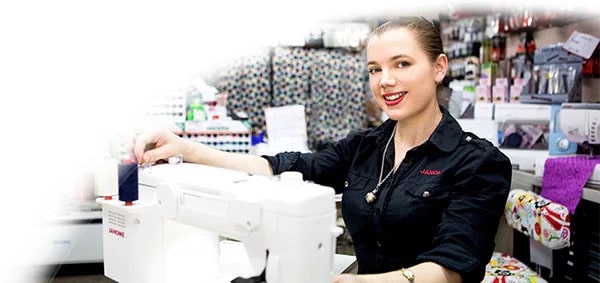
If you're searching for a part or product and just can't find it, get in touch! One of our helpful team members is available to assist you. We'll help you find the right items to get you up and sewing soon.
Send your inquiry to us
via email.
Or call us on 07 3355 5522
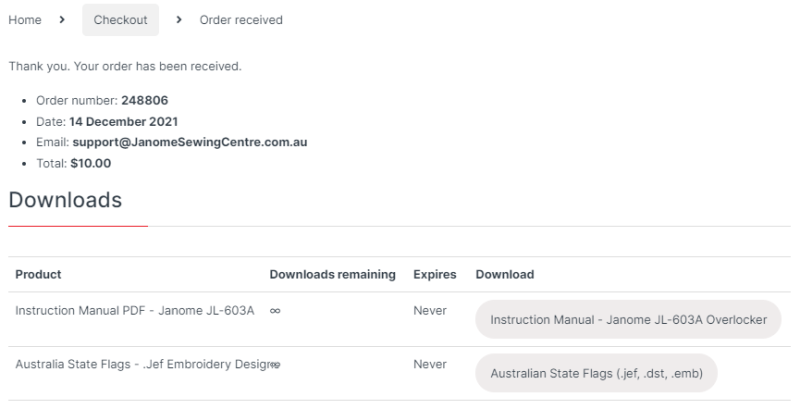
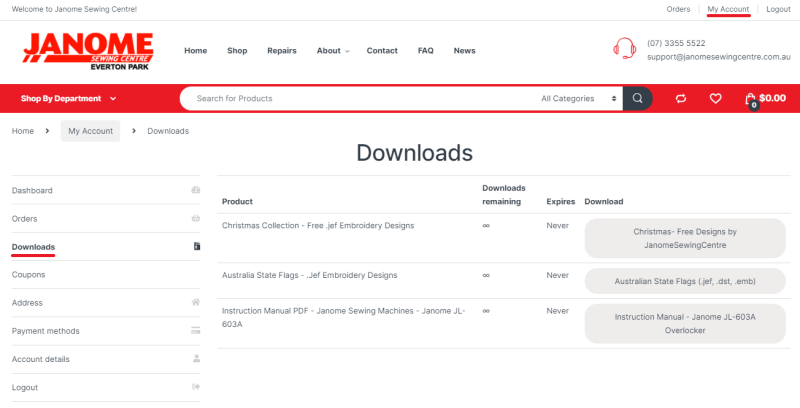
After purchasing your digital instruction manual or embroidery design, there are three ways to access your digital content so that you can download it onto your computer or mobile:
Once you place your order, you will be navigated to the Order Confirmation Screen. When a order contains a digital download, there will be Downloads section for all of the digital downloads with a button on each to download them to your device.
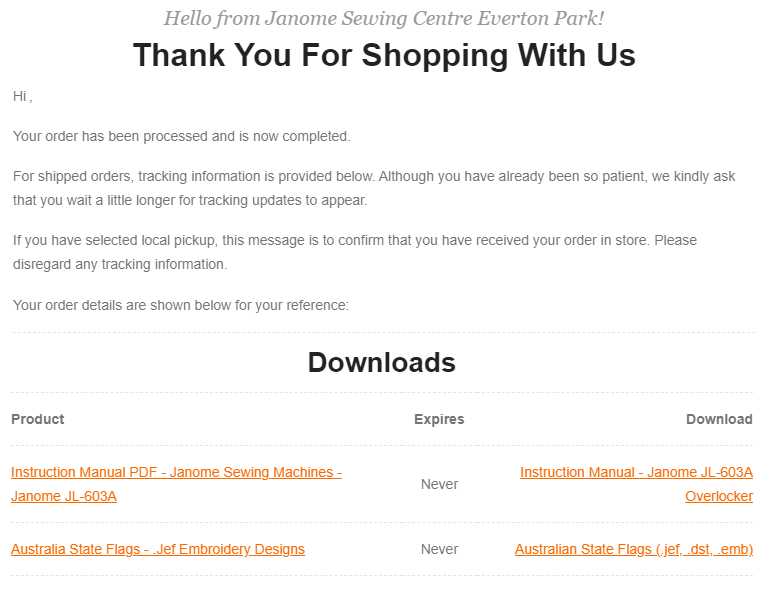
When you made your order, an invoice is emailed to your email address. In this email, there will be a “Downloads” section with a direct link to your Digital Manual.